Are you tired of dealing with connection problems on the Android Auto app?
Discover the ultimate solution in this informative video that will help you bid farewell to frustrating disconnections. Say hello to a seamless and uninterrupted experience with your Android Auto. Watch now to unlock the secrets to resolving connection issues and enjoy a hassle-free driving experience!
As of 1st January 2015, the Chinese government further tightened it’s grip on the nation’s internet access.
A rude awakening for many expats hoping to get on the ‘net – nothing worked.
Things have calmed down a little, but the fall-out is as follows:-
1) All foreign sites are throttled.
Regardless of CDN’s, font-libraries, supplementary elements, platforms etc.; foreign sites are subjected to government level ‘throttling’.
2) Mobile VPN’s don’t work.
Astrill, one of China’s largest VPN’s – no longer able to support mobile VPN access. Hidemyass, the VPN I use, connection is intermittent at best.
This thread on Shaghai expat reports, some are experiencing more luck than others, depending on what VPN you subscribe to.
China’s Internet access – Life behind the great firewall
Since May of last year, when the troubles in Hong Kong first erupted, the Chinese government has been changing the way the internet works in China.
We’re all aware of the ‘great wall of China’, the system by which China monitors and prevents sites it doesn’t wish it’s residents to view.
Previously, this would have been Facebook, Twitter, certain searches or selected content would be blocked.
Also Youtube.
Not really a massive problem, you could still update your phone, look at maps and do a quick translation. At home, sites were slow to download, but acceptable.
Since May 2014, that’s all changed
China internet restrictions since May 2014
The following sites have been blocked wholesale.
Twitter, Facebook, Google (all sites), Soundcloud, Instagram.
New York Times, Bloomberg, selected international Wikipedia pages, Wikileaks, BBC news and radio.
Something the government does now is ‘throttle‘ foreign websites. ‘Throttle‘ it, makes elements ‘timeout’ and leaving you with an improperly rendered and unreadable page.
This maybe due to font libraries, or CDN (content distribution networks), such as Google font libraries or Edgecast respectively.
Many sites access these services to serve content in a more efficient manner. When this content is blocked, the whole site fails to work.
As a foreign speaking resident, this causes you problems.
The only way to get around this is –
China VPN
There are a number of companies offering VPN, or Virtual Private Network services
**A VPN is a protocol executed to access the internet through a tunnel, a tunnel where your real IP address and location is never revealed.
to get round these restrictions, and be able to go on the websites and access the services you would at home.
I won’t trawl through them, there are sites which tell you how much and the relative features etc.
I picked the one with the largest network of servers. Hide My Ass!
If you’re planning a trip, or maybe living there as an expat, these are the apps you’re going to want to have installed to your phone to get the most from your experience.
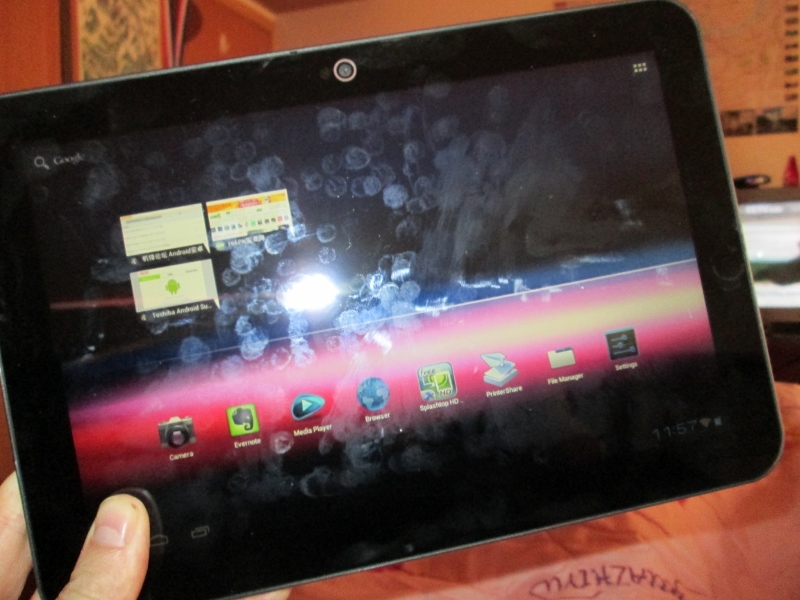
Priced at just 1,200 Yuan, or around £140 it seemed pretty cheap for a Toshiba tablet.
1st day of use, I discover there is no apps store and Google Play Store isn’t installed. Nor is any other app store.
Next step! Root the AT200! Get the Google Apps installed and have the thing do what I want.
Shock Horror!
Toshiba have something written into their EULA! Yes Toshiba and Android have conspired against the customer!
Contrary to previous court rulings on allowing users UNRESTRICTED access to their devices, in this case you aren’t granted those rights. Toshiba will not let you access and change core aspects of this tablet.
You don’t have the rights and abilities you might have when you buy a new PC.
Can’t add or alter things in the operating system, making it useless for many developers and professional level users.
Let this be a warning to any buyers of the Toshiba Excite AT.
Google Play China: Making US Google play into Chinese Google Play
This guide will instruct you on how to access Google play store in China, or any locale in the world!
It works for all phone types.
It works for all models and carriers.
It will show and make available all the apps and content as available in Google Play Store, US.
Requirements
Phone, USB cable, Internet connection, VPN access (I use HMA), Supporting files.
** Your phone MUST be rooted and running ClockWorkMod OR be able to INSTALL FROM ZIP**. You’ll need to access configurations and allow programs superuser privileges in the /system folder.
**Firstly, we need to access the Google Play Store – supported devices page and locate your device. If your device is supported, move on to step 4. If not, (and you’ll find many of the devices sold in China aren’t supported by Google), choose a device from the device list that is the closest approximation to your model.
Install File Commander (included in supporting files). With File Commander, access the /system/build.prop, it will look like this…
Change the product code for your phone so it works in Google Play Store
Scroll down to the ro.product.model = GT-S7566 change it to the model compatible with Google Play Store.
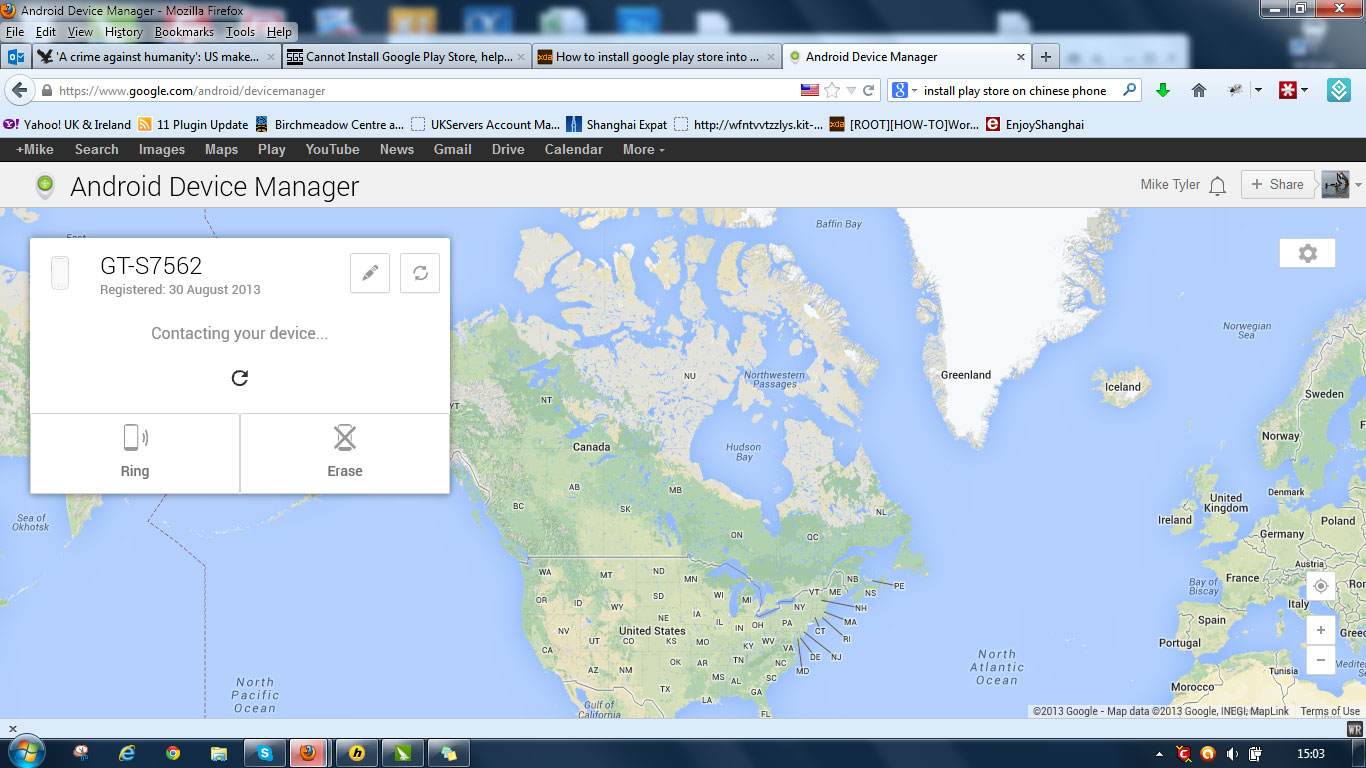
in my case ro.product.model = GT-S7562. Save the file. A number of screens will come up asking if you wish to change the write permissions of the new file. Accept them.
Restart your Phone.
It will tell you Android is loading updated software and gave you a short waiting screen.
Wait.
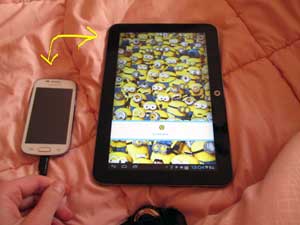
Next you need to transfer the GAPPS file to your phone’s SD card.
Install the GAPPS file: restart the phone in Recovery mode by pressing UP+DOWN+HOME+POWER simultaneously. Navigate to the GAPPS zip. Install the zip.
Reboot
You will now need to fire up your mobile VPN software to access Google Play from your mobile phone in China. As it is now blocked.
Your phone will now work with Google Play Store and all free apps.
Access Play Store apps in any location Worldwide
This little cheat will allow you to ‘pretend’ you’re a U.S. resident.
Google go to great lengths to make their products available under the correct jurisdictions. If you want your phone to ALWAYS have the maximum apps and content, things will be changing regularly to make sure this stays the case. Search on the ‘net or should subscribe (to my blog), to keep abreast of changes.
Install the Market Enabler apk included in the Supported Files.
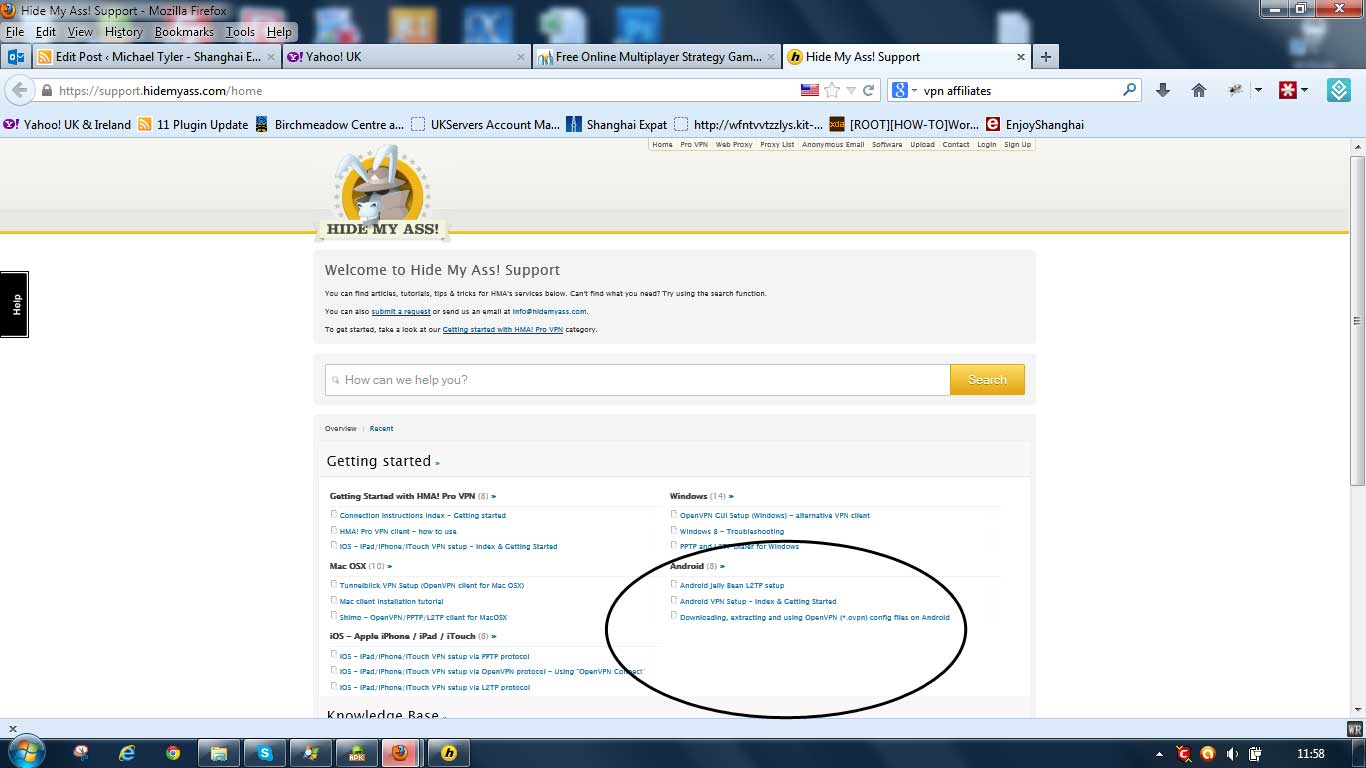
Log on to your VPN service. From your VPN go to the ‘Help’ section or knowledge base. From here you should find information about allowing their service to be accessed from your mobile device.
This is the Knowledge base from my VPN
My VPN’s knowledge base looks something like this. It has all the information you need.
The process isn’t a difficult one. The hosts guide will guide you through it.
Fire up Market Enabler. Select one of the carriers (in the U.S.) by pressing and holding. Select ‘fake this connection now’.
Fire up your VPN Proxy you just set up in step 2. from your mobile device. In mine, it’s in the other settings section.
Access Google Play Store in China and Worldwide
If all goes well, it will tell you your device is connected. You will now be surfing from the U.S. from a U.S. carrier for all intents and purposes. (Check this with http://www.iplocation.net/).
Fire up Google Play Store. This will now be running as if you’re a resident of the United States even if, like me, you’re accessing Google Play Store from a mobile in China.
Disclaimer: If you follow this guide exactly in facsimile, you won’t encounter problems. I take no responsibility for your actions other than those following the method above.
We use cookies on our website to give you the most relevant experience by remembering your preferences and repeat visits. By clicking “Accept All”, you consent to the use of ALL the cookies. However, you may visit "Cookie Settings" to provide a controlled consent.
This website uses cookies to improve your experience while you navigate through the website. Out of these, the cookies that are categorized as necessary are stored on your browser as they are essential for the working of basic functionalities of the website. We also use third-party cookies that help us analyze and understand how you use this website. These cookies will be stored in your browser only with your consent. You also have the option to opt-out of these cookies. But opting out of some of these cookies may affect your browsing experience.
Necessary cookies are absolutely essential for the website to function properly. These cookies ensure basic functionalities and security features of the website, anonymously.
Cookie
Duration
Description
cookielawinfo-checkbox-analytics
11 months
This cookie is set by GDPR Cookie Consent plugin. The cookie is used to store the user consent for the cookies in the category "Analytics".
cookielawinfo-checkbox-functional
11 months
The cookie is set by GDPR cookie consent to record the user consent for the cookies in the category "Functional".
cookielawinfo-checkbox-necessary
11 months
This cookie is set by GDPR Cookie Consent plugin. The cookies is used to store the user consent for the cookies in the category "Necessary".
cookielawinfo-checkbox-others
11 months
This cookie is set by GDPR Cookie Consent plugin. The cookie is used to store the user consent for the cookies in the category "Other.
cookielawinfo-checkbox-performance
11 months
This cookie is set by GDPR Cookie Consent plugin. The cookie is used to store the user consent for the cookies in the category "Performance".
viewed_cookie_policy
11 months
The cookie is set by the GDPR Cookie Consent plugin and is used to store whether or not user has consented to the use of cookies. It does not store any personal data.
Functional cookies help to perform certain functionalities like sharing the content of the website on social media platforms, collect feedbacks, and other third-party features.
Performance cookies are used to understand and analyze the key performance indexes of the website which helps in delivering a better user experience for the visitors.
Analytical cookies are used to understand how visitors interact with the website. These cookies help provide information on metrics the number of visitors, bounce rate, traffic source, etc.
Advertisement cookies are used to provide visitors with relevant ads and marketing campaigns. These cookies track visitors across websites and collect information to provide customized ads.