First Patreon Pledger!

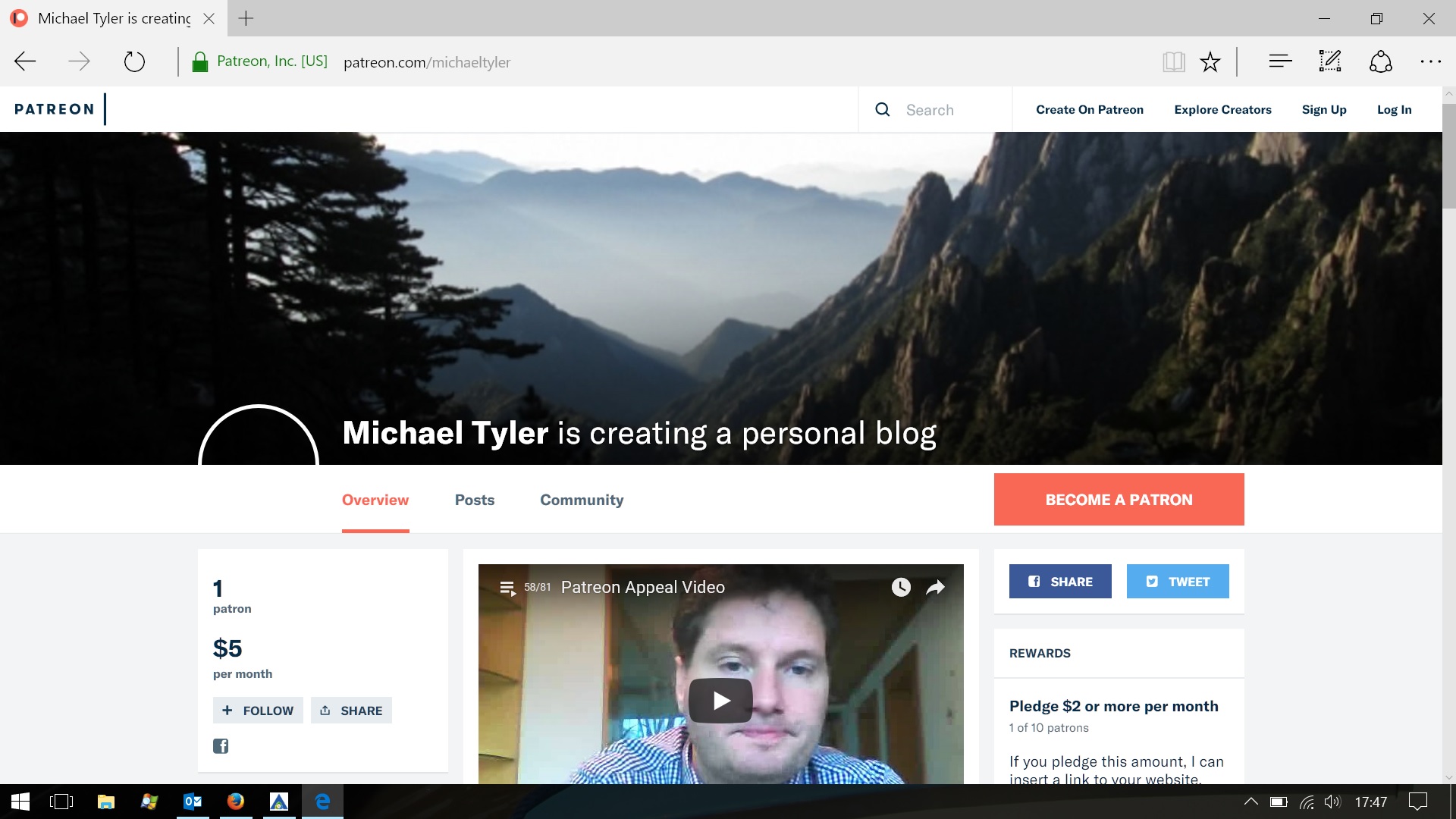
It’s taken since December 2014. Today I finally got my first Patreon pledge!

$5.

Maybe it will take another 3 years to get another…

Who knows.

Here is my bio taken from the Patreon site:-

A patreon site to support my site which has been running for over 14 years as a personal and travel blog.
Recently, it’s images and stories have been removed from the Google index in the name of ‘hate speech’.
My site has never printed or published hate speech. Much of the content removed was unique pictures and articles picked up on my travels. Mostly how-to, and other articles, pictures and tips to help other travellers.
Also, it has printed articles underlining the lying hypocrisy of the mainstreammedia and the NWO/establishment in trying to paint that the garden is rosy, whilst sweeping the facts under the carpet.
This site stood against that. Now Google stands against it.

About Patreon

Patreon is a site that simply allows you to pledge money to people for ongoing projects in return for gifts and rewards.

The most basic gift at the moment, is a link, but obviously, I can write articles and stuff in the future if people keep pledging.

Every little helps now Google is trying to stamp me out!

Become a Patron!

Cloudflare slowing my site down causing it to timeout

Cloudflare is a popular CDN, or content distribution network, which comes bundled with my web hosting package.

I’ve been using them for a couple of years.

No problems.

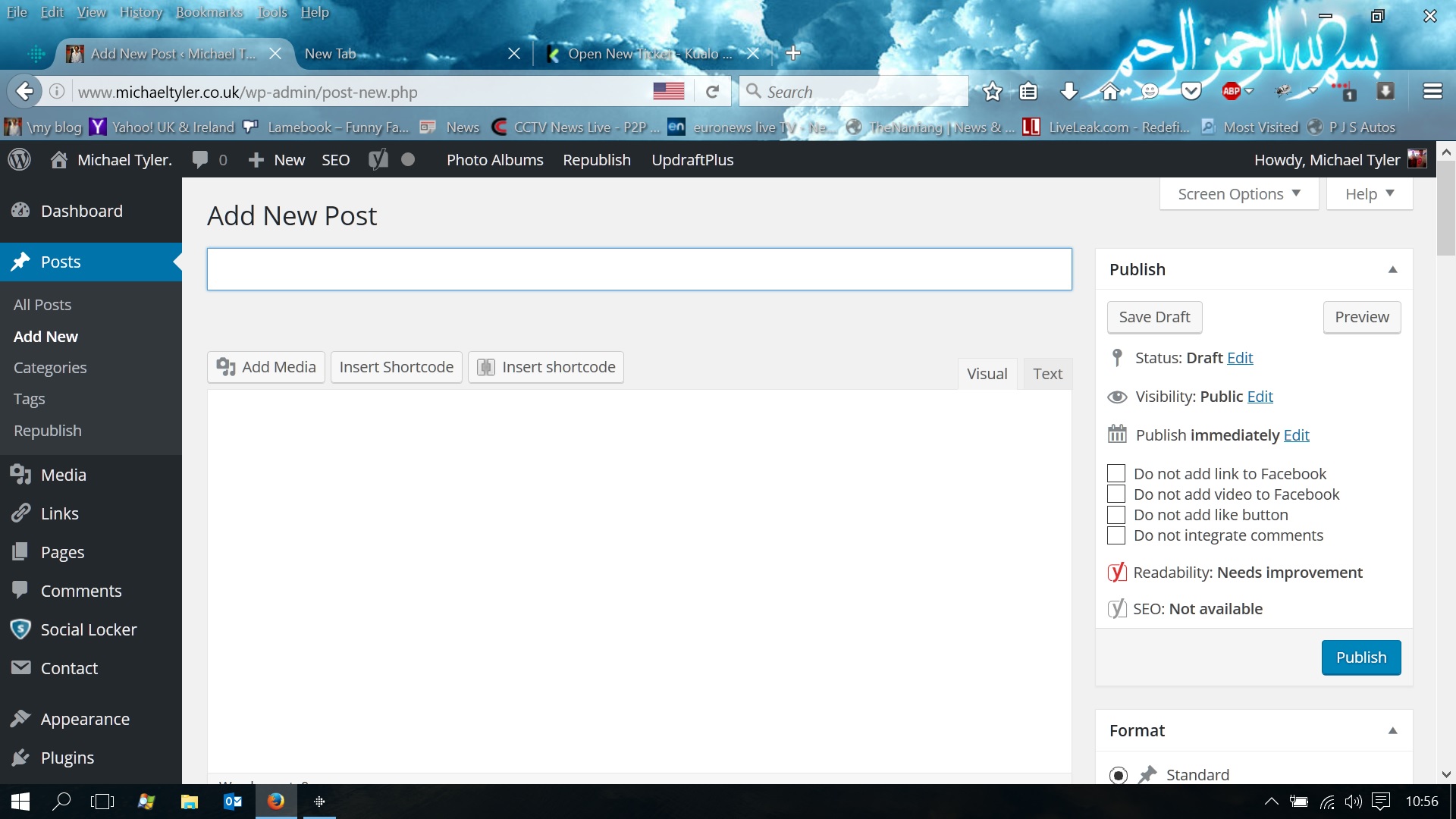
Last week, I suddenly found I was no longer to create new posts in wordpress.
None of the tool panels were rendering. I was not able to see the java applet window that I’m currently typing in. The user interface was basically busted.

Wordpress New post UI - No toolbars, no text entry area
WordPress New Post UI

Continue reading “Cloudflare slowing my site down causing it to timeout”

Install old version of wordpress

Imagine the horror.

Installed a new version of wordpress and I could neither see nor edit my posts!

Unless you’re happy to wait any length of time until the bug is fixed, the remedy for this is simple – you need to

Install an old version of wordpress

Steps

  1. Download old version: Pick the version stable release BEFORE you encountered the problems. eg. 4.2.2 – Nothing works > Pick version 4.1.7 and unzip it.
  2. Go to your ftp program. Fire it up and go into your base directory.
    Select the files > wp-includes AND wp-admin.
    Install an old version of WordPress
  3. DELETE them.
  4. From the file you’ve just unzipped, UPLOAD the old versions of these files.
  5. Select all the files in the base directory of the unzipped file. OVERWRITE all the files in your base directory.
    Install old version of WordPress

Go onto your site. Hey presto!

Your wordpress should work.

Admin page

Logging into admin, you’ll get a couple of introductory screens telling you to update your database when you first log on.

Ignore these.

And that’s it!!

Contributions please.

WordPress for android

So.

Am using this new app. from wordpress. It’s an apk Download called WordPress for Andriod.

Had to download it from some aftermarket site due to google play’s geographic restrictions.

It allows me to access my blogs whilst on the go.

I’m currently writing this from bettween lessons at school.

Heres a pic.

image

I haven’t really had a lot of time to do regular blogs , hopefully , this will change that , and I may be able to get one off every day.

Posted from Samsung Galaxy S7566 – WordPress for Android