SO….
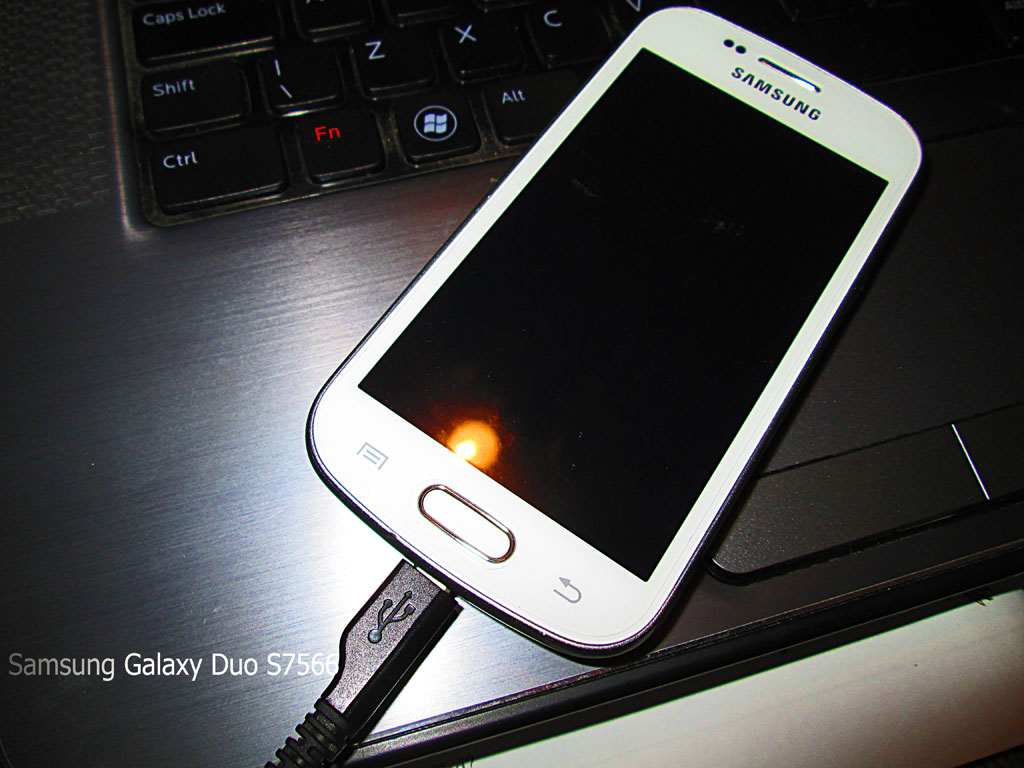
The time has come.
My phone is getting slower, and I want to use the WIFI teather without operator charges! The best way to do this is to ROOT my GT-S7566, get into the manufacturer installed bloat, and cut it out, like the cancer it is.
Rooting a Samsung Galaxy Duos s-7566
This will allow me access to ALL the installed files, right down to the core C:/ drive, (as it were). It’s called Superuser rights. It’ll allow me to change anything on my phone. Install a new operating system, (if I want).
I’m not much of a techie. But I had a motorbike. I fact I had a few. I don’t see this mobile phone as any different.
This guide will guide those of you who have a methodical mindset and the will, through the process of rooting a Samsung Galaxy Duos S-7566.
Samsung Galaxy S Duos Rooting Guide
Without wasting your precious time, let’s quickly jump to the rooting tutorial:
- Download the Samsung Galaxy S Duos Rooting Kit.zip from Mediafire or D-h.st.
This file contains almost everything you will need to get through the process and is approximately 12 MB in size. Won’t take too long to download, right?
Note: Mediafire link is down due to unknown issues Mediafire is having. Use the Devhost link instead. - Install the drivers for your Galaxy S duos using KIES.
- Power off your device as you have to go to downloading mode.
- After your phone has switched off, press Volume Down + Home + Power button simultaneously until the Samsung logo appears on your device.
- Release. A warning will appear on your device. Read it if you wish. Press Volume Up to continue to the downloading mode. You should see a screen with “Downloading” written on it along with some other stuff.
- Connect your phone to the PC using USB cable. It should detect your device as you have installed the drivers in step 2.
- Extract the rooting kit, (using winzip or other program), you downloaded in step 1 and open odin from the extracted ‘odin’ folder.
- Copy CWM-superuser-3.1.3.zip/CWM-SuperSU-v0.96.zip to your phone’s external or internal sdcard. The file is present in the rooting kit.
- ODIN should detect your device on any of the COM ports. Y
- You will be seeing various boxes: some checked and unchecked. Tick or untick them so that:
F. Reset Time is ticked.
Auto Reboot is ticked.
PDA is ticked.
All other boxes should be unticked.
- Click on PDA under the Files (Download) section in ODIN and browse to recovery.tar file. You will find this file in the extracted rooting kit.
- Remove the back cover from your device before you follow the next step. This is required as you will need to remove the battery with a perfect timing, after you complete the next step.
- Click on start. Let ODIN complete the flashing process. Don’t interrupt the process. A green bar will tell you the progress of the operation. When the green box in Odin window shows “Pass”, your phone will start a reboot.
- It’s time for you to jump into action. When the phone vibrates, remove the battery.
- Disconnect your phone from the PC.
- Power off your device and boot into ClockWorkMod recovery by pressing Volume Up + Volume Down + Home + Power buttons simultaneously until the Samsung logo appears.
- You’ll boot into the ClockWorkMod recovery mode. Your normal touch input won’t work here. Press Volume up to scroll up and Volume down to scroll down. Home button is used to select while power button will take you a step back.
- Scroll down to Backup & Restore and select backup. Let the backup process complete. Make sure you have atleast 2 GB storage free in the external sdcard before performing the backup.Note: If you want to unroot later on, boot into CWM and restore this backup. Then flash Stock recovery (present in stock recovery) using Odin, the same way you flashed recovery.tar in step 10.
- Go to Install Zip from sdcard option and select “Choose zip from external sdcard” or “Choose zip from internal sdcard” depending on the choice you made in step 12. Finally select the cwm-superuser-3.1.3.zip/CWM-SuperSU-v0.96.zip and browse through the long list of “No” to select the only “Yes” option to install superuser to your device.
- It will run through the installation process, and the phone will take around 2 minutes to boot.
After that your phone, Duos Trend model, in my case s-7566, should be rooted WITHOUT PROBLEMS!
Thanks to droidiser, who provided the original article.